Quick Start
Run the smallest useful GraphJin query against a discovered schema.
Want seeded data and the built-in agent immediately? Boot a demo vertical first - this page is for pointing GraphJin at your own database.
Minimal config
Point GraphJin at your database in config/dev.yml. New source-aware projects should use sources::
sources:
  - name: app
    kind: database
    type: postgres
    default: true
    connection_string: ${DATABASE_URL}
    schema: public
Then start the service:
graphjin serveOpen the Web UI
Open http://localhost:8080/ after the service starts. The console opens in the User workspace with the built-in Agent. Use the User/Admin switcher at the top to move between governed work and runtime administration.
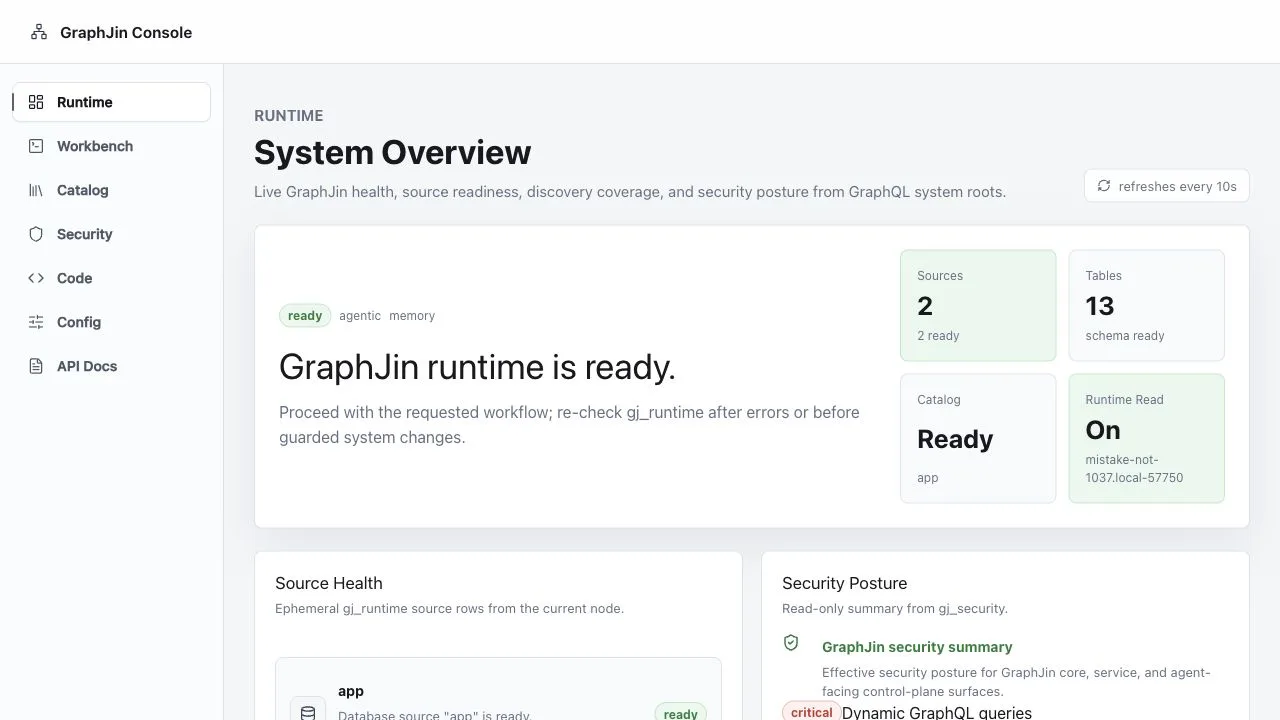
Open Admin → Runtime directly at http://localhost:8080/admin/runtime . It is a quick visual check that GraphJin discovered the configured sources and is serving the built-in system roots.
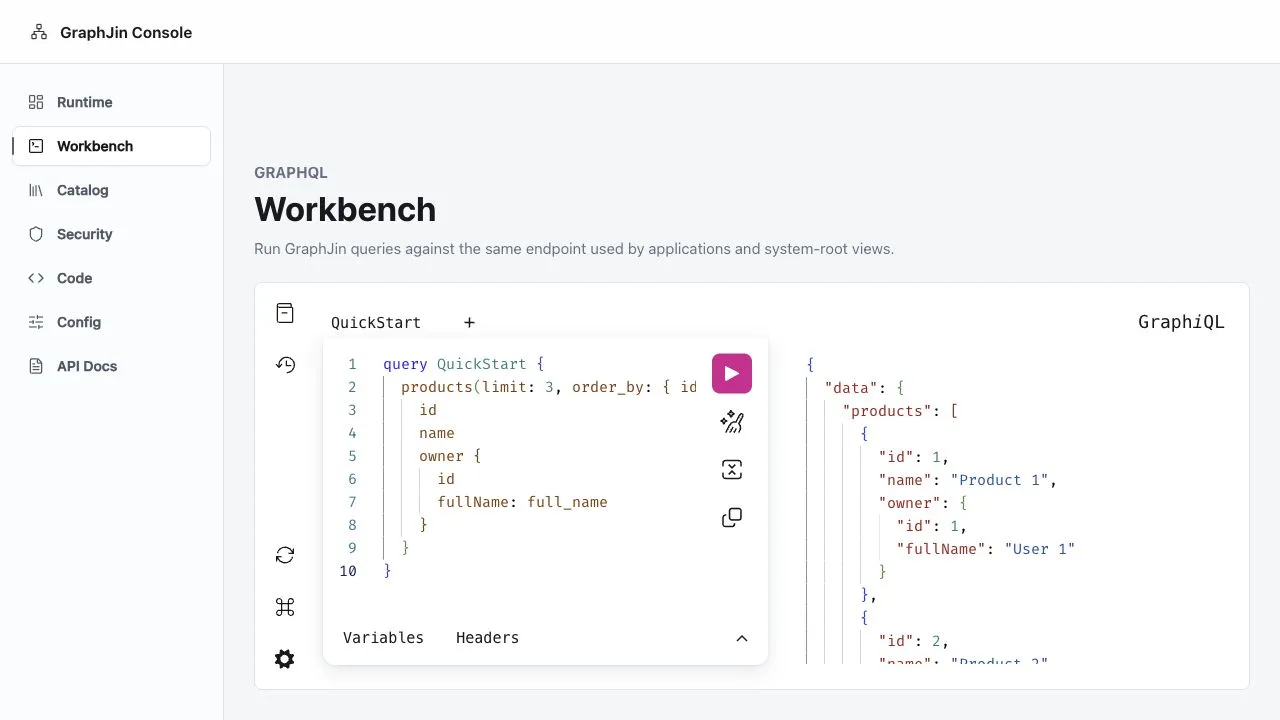
Use Admin → Workbench at http://localhost:8080/admin/workbench
to try queries interactively. It sends requests to the same /api/v1/graphql endpoint that applications and command-line smoke tests use.
First query
GraphJin discovers tables and relationships, then compiles GraphQL into database work.
query {
  products(limit: 3, order_by: { id: asc }) {
    id
    name
    owner {
      id
      fullName: full_name
    }
  }
}
The response shape follows the GraphQL selection. There are no user-written resolvers for database fields.
Example_query
tests/query_test.go:18Call the endpoint
Keep a raw endpoint call in your smoke test even if you used the Workbench. This verifies the HTTP API path your application or integration will call.
curl http://localhost:8080/api/v1/graphql \
  -H 'content-type: application/json' \
  -d '{"query":"query { products(limit: 3, order_by: { id: asc }) { id name } }"}'
Pass variables as JSON. Keep filters inside the GraphQL query shape and pass leaf values through variables:
query Products($maxPrice: Float!) {
  products(where: { price: { lteq: $maxPrice } }, order_by: { price: asc }) {
    id
    name
    price
  }
}{ "maxPrice": 25 }Next steps
- Let GraphJin run the loop for you: the built-in agent turns one instruction into a typed, evidence-backed answer.
- Learn the query language .
- Add filters and cursor pagination .
- Understand the config file and every way to change it in How Configuration Works .
- Lock down production with saved queries and RBAC .